

Note: If a product is assigned to multiple categories, Super Shipping will apply the shipping cost to the product’s main category. The main category is assigned via a parent category or, if you have specified it, via an SEO plugin.
This type of calculation is used This type of calculation is used when you need to group products with different shipping costs based on their category..
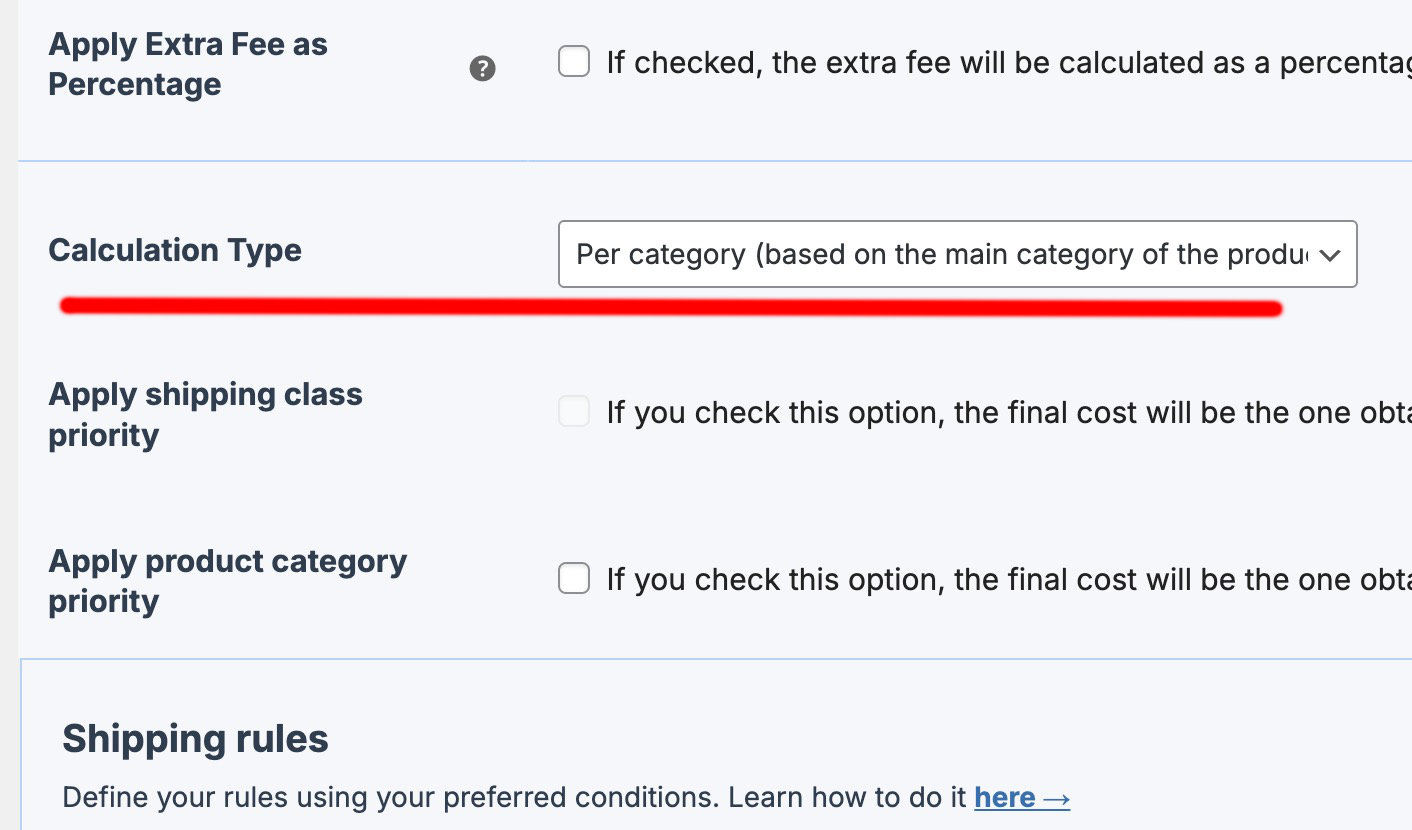
This type of calculation is similar to “Per shipping class,” but in this case, instead of assigning one or more shipping classes to a set of items, you can group costs for an entire category.
Let’s say we have a cart with several products, each belonging to a different category.
| Product | Items | Weight per unit (Kg) | Category |
| Extra virgin olive oil | 2 | 3 | Oil |
| Cured sheep cheese | 2 | 1,5 | Cheese |
| Goat cheese | 2 | 1,5 | Cheese |
In this example, there are 3 products across 2 different categories, so there are 2 groups.
Let’s take a look at how we’ve configured the shipping rules, which we’ll base on the “weight” condition, specifying the shipping categories along with their corresponding ranges:
| Product category | Condition | Range [min] | and [max] | Cost | Cost per additional unit |
| Oil | Weight | 0 | 5 | 4 | (Left empty) |
| Oil | Weight | 5 | 10 | 6 | (Left empty) |
| Oil | Weight | 10 | 50 | 10 | (Left empty) |
| Cheese | Weight | 0 | 5 | 3 | (Left empty) |
| Cheese | Weight | 5 | 10 | 5 | (Left empty) |
| Cheese | Weight | 10 | 20 | 7 | (Left empty) |
| Cutlery | Weight | 0 | 20 | 25 | (Left empty) |
Now, let's see how the final shipping cost in the cart would look using the calculation based on categories (there is another category in the shipping rules that hasn’t been added to the cart, so it doesn’t apply)..
FIRST GROUP OF PRODUCTS (Oil). The total weight of all units in the first group of products in the cart is 6kg → Shipping cost for the first group of products in the cart = 6€
SECOND GROUP OF PRODUCTS (Cheese). The total weight of all units in the second group of products in the cart is 4.5kg → Shipping cost for the second group of products in the cart = 5€
The result of the final shipping cost would be:
WITHOUT APPLYING PRODUCT CATEGORY PRIORITY
SHIPPING RATE → 11€ (6€ + 5€)
But we can also prevent the two shipping costs from being added together. You may prefer to display only one price to avoid penalizing the customer. To do this, you would apply the “product category priority”:
APPLYING CATEGORY PRIORITY
Higher priority for Oil
SHIPPING RATE → 6€
Higher priority for Cheese
SHIPPING RATE → 5€
To know exactly how to apply priority to categories, I'll explain it here.